
Generating trace data for demos and testing part 2
So you’re planning a demo? Or you have an idea but need data to test it before you apply it to a customer utilising your monitoring solution?
Well have no fear! Here I am to trial and break a number of different solutions to do just that!
Let me be your guide

Let’s continue our tour, this weeks guest is Mustermann!
I won’t lie, the name Mustermann immediately takes me to many happy memories on cruise ships, so I had to include this one!

Before I go any further – if you have not read part 1 (Cisco-Open AppSimulator) you can find it here
So mustermann is a hobby creation by a Jan Shulte on LinkedIn.
Mustermann documentation, and the source code can be found on GitHub
Jan has been quite helpful, he has provided the detail on how to compile his app, the source and release executable files. All in the name of creating trace data from nothing.
Setting up Mustermann
I’ll be completely transparent here, for my initial attempt at setting this up I opted for the easiest path:
- Download suitable .exe file
- Create basic config
- Send data to the Endpoint I created in the last post
Config File:
service payments {
  method charge {
    print "Processing payment for order %s" with ["12345", "67890"];
    sleep 500ms;
  }

  loop {
    call charge;
  }
}
Launch Command
mustermann-v12-windows-amd64.exe config.yaml https://<myendpointforOTLP> --service-name chargeThis would have been a great start if it had worked – it did somewhat. However I hit one rather large snag
The Snag:
The Binary, although it seemed like the easy option was looking for the OTEL libraries in a location that did not exist on my machine. So I decided to go back to the drawing board
Solution:
Build the solution
After
- Downloading Cargo
- Running the build command
- Checking the files
I am ready to resume
This time, we have a go, we have data flowing. Or at least.
I thought I did.
Note to self: Read the docs
Mustermann doesn’t support HTTPS. Using my HTTP OTLP endpoint for SumoLogic from my last blog wouldn’t work. So, I have now installed the SumoLogic OTEL collector and repointed my OTEL URL. Success! We have logs!
It’s working, it’s alive!
So, this is the most basic solution, and it’s not doing what I am here for. I am here for traces. So let’s now go for a more complex example with logs, and traces. For this to work I need to make some updates to my configuration file.
Lets’s add some services, some external calls, maybe a couple of sleeps.
Ok, yes. I took this straight from the GitHub. Don’t judge me too hard.
service products {
  method get_products {
    print "Fetching product orders %s" with ["12345", "67890"];
    sleep 500ms;
  }
}

service features {
  method is_enabled {
    print "Check if feature is enabled %s" with ["login", "upload", "create"];
    sleep 1000ms;
  }
}

service frontend {
  method login {
    print "Main page";
    call features.is_enabled;
  }

  loop {
    call login;
  }
}

service analytics {
  method main_page {
    print "Main page";
    call products.get_products;
  }

  loop {
    call main_page;
  }
}


service frontend_b {
  method main_page {
    print "Main page";
    call products.get_products;
  }

  loop {
    call main_page;
  }
}
This works, and in my solution I can now see trace data, service maps, and key KPIs
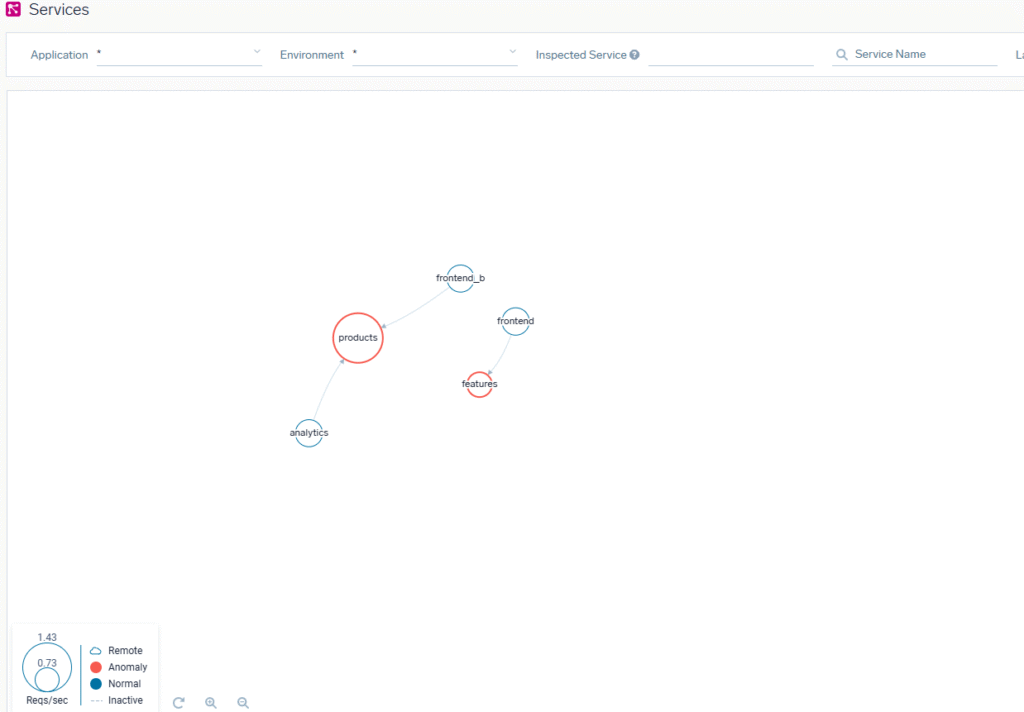
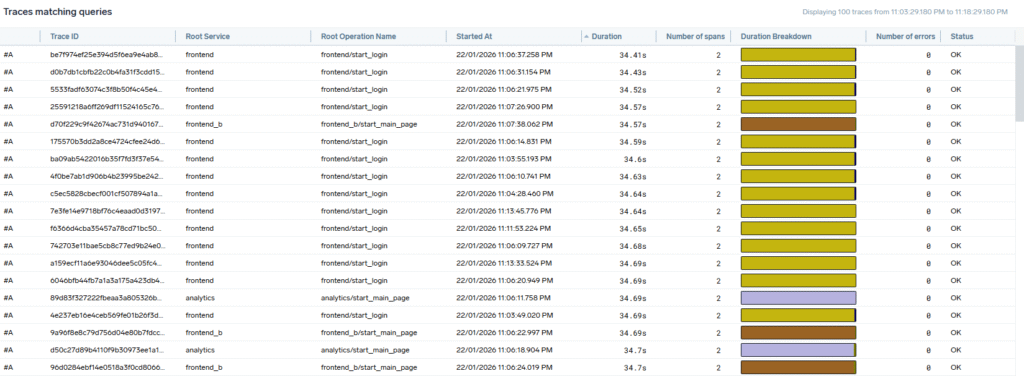
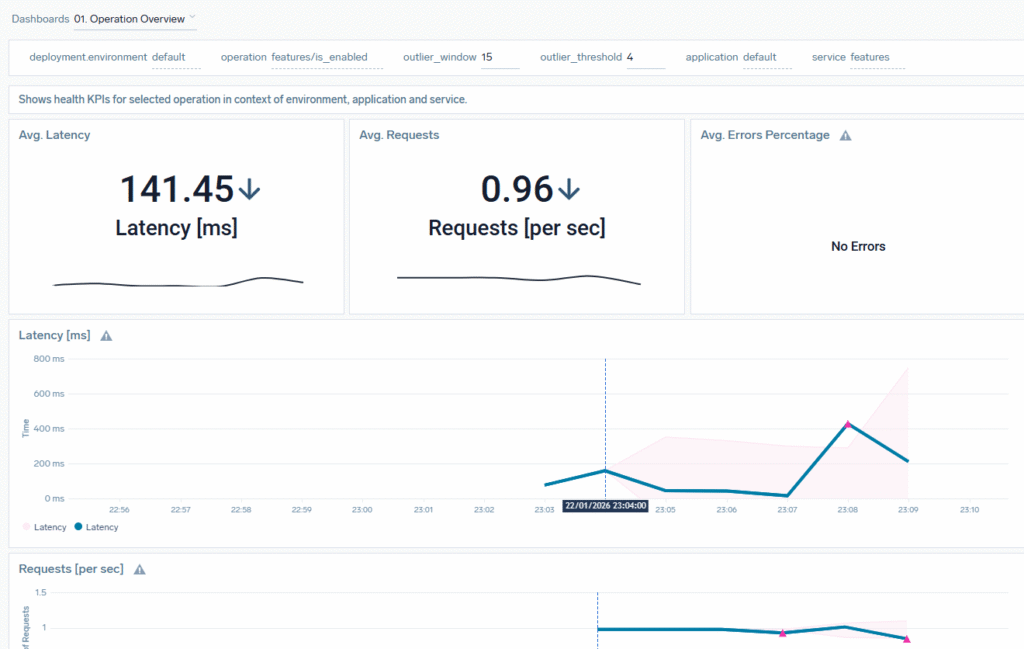
This tool is really quite useful.
I can easily and quickly mock a number of services for a demo, I can fire logs and traces. The functionality is straightforward, it’s quick and I can definitely see a use for this tool
See you next time for Part 3!
Oh, and yeah. you can put your life jackets back. This was just a test.